Private beta on iPhone
Every trip you took,
written down.
Travel Journal reads the photos already on your phone, finds the days worth keeping and writes each one into a story you can scroll, share and print.
How it works
Three steps. No typing.
-
01
Open your camera roll
Point it at your library. The phone sorts every photo by day and place before anything is sent anywhere.
-
02
It finds the days
Bursts, screenshots and duplicates go. The days that mattered stay, dated and placed, even the scanned prints.
-
03
Read your stories
Each day becomes a short story with its photos. Scroll the feed, jump by calendar, print the book at the end.
You took the photos. We write the days. Ten years of trips, finally in order.
What you get
A feed of days, not a grid of files.
Every day gets a title, a place, a few sentences and the photos that earned their place. Scroll it like a feed. Open a calendar and tap a date. It reads like something you would have written, if you had the evening.
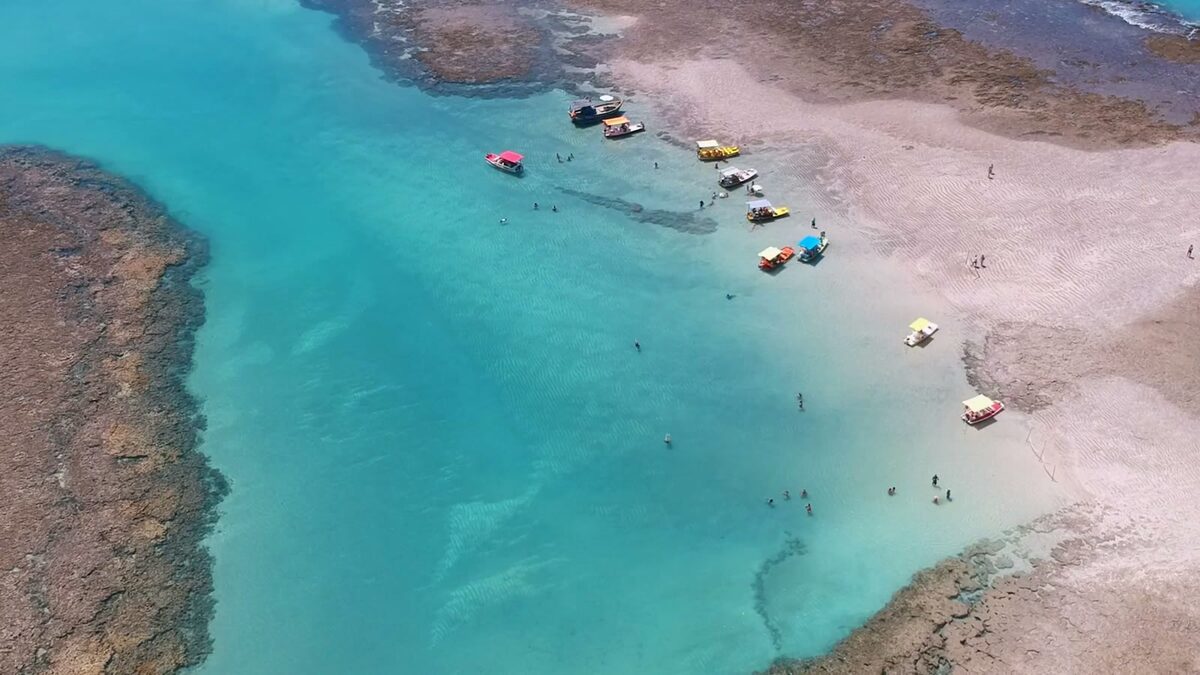
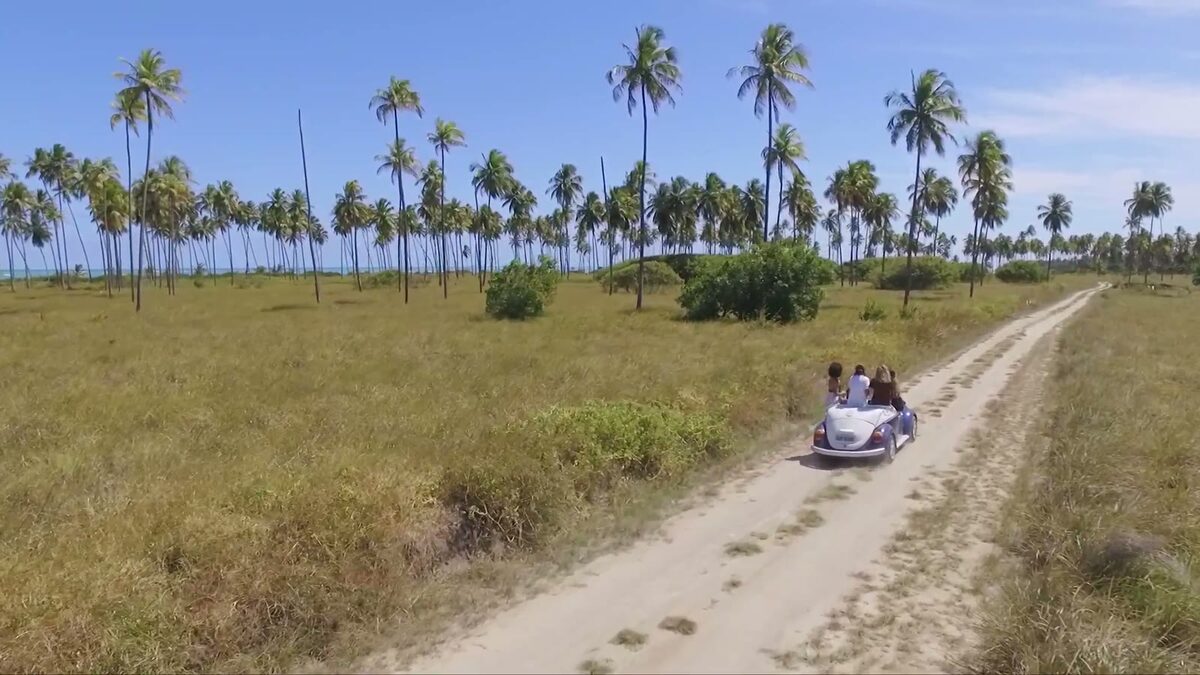
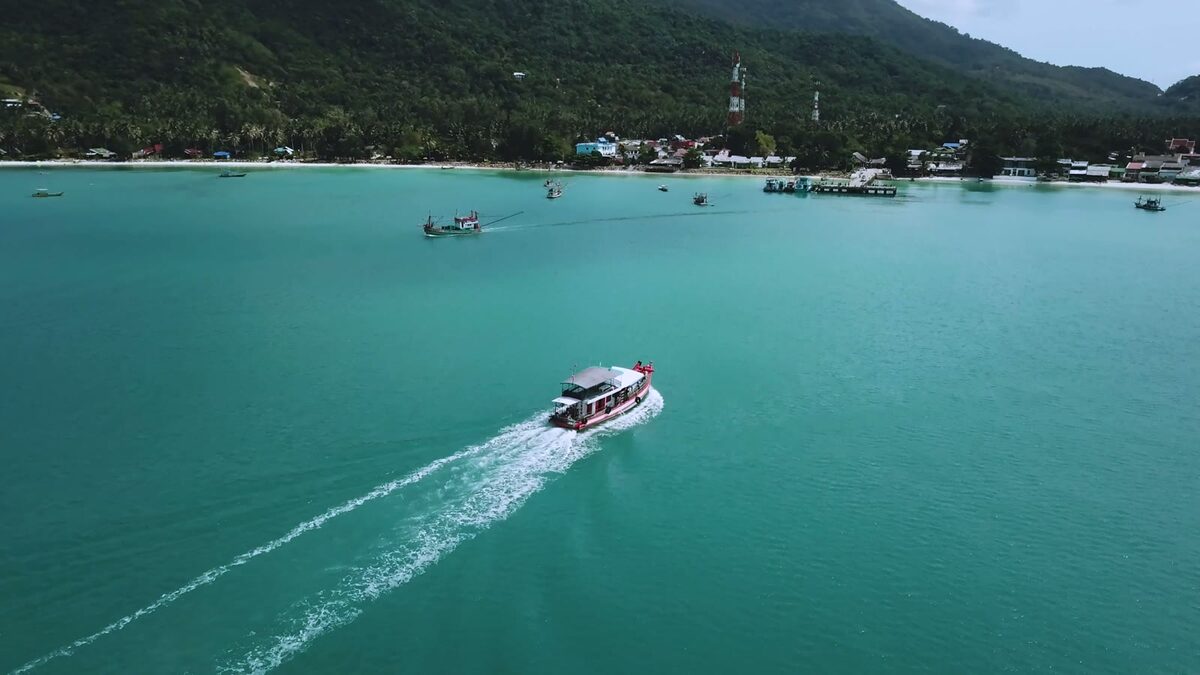
The lagoon that swallowed the afternoon
We paid the boatman twice what he asked and still felt we had won. The water was the colour of a screen saver and the three of us stopped talking for an hour.
August 2025
Lost twice before lunch, on purpose the second time
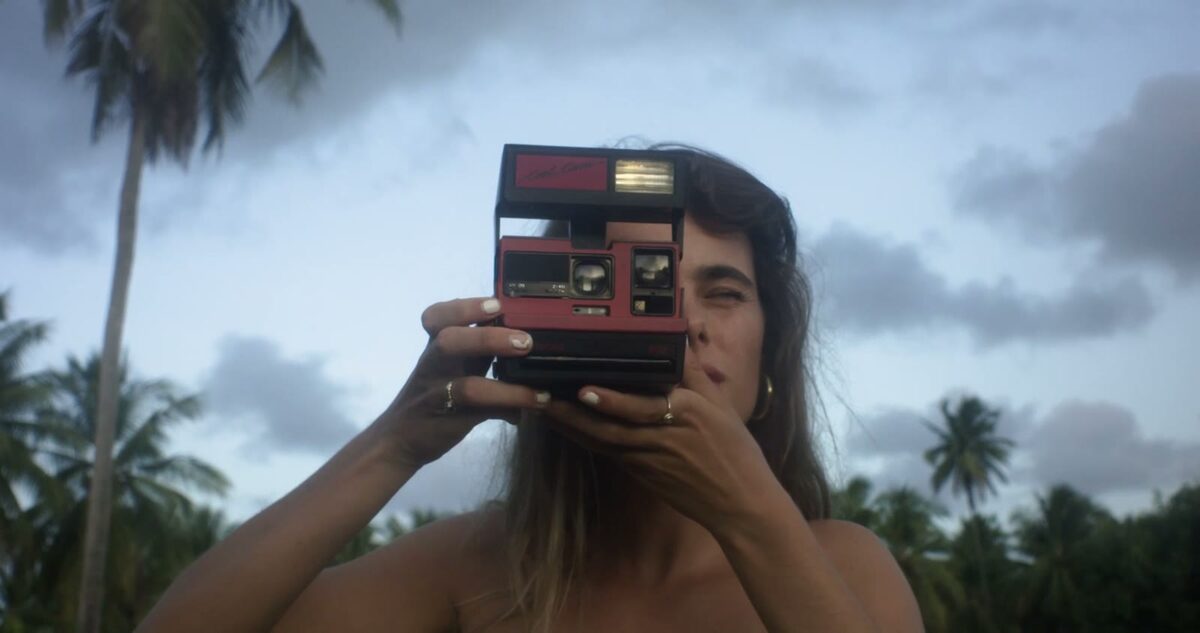
The print she took of us
A scanned print from 2009, placed on the right day by the camera's own count. No typing, no date picker.
Why it matters
The trip is over in a week.
The story keeps.
-
Written, not stacked
Each day in plain words with its photos. Not four hundred near identical frames of one sunset.
-
A calendar of your life
Tap a date and read the day. See the months that were full and the years that were quiet.
-
Old prints welcome
Lab scans have no date. The app reads the camera's own counter and lands them on the right day.
-
A book at the end
Pick two dates and get a printed book, or a short film cut from your own pictures.
-
Private by design
Photos are read on the phone first. Only the days you keep are sent, and you can delete everything in one tap.

Questions
Before you hand over ten years of photos.
Do I have to write anything?
No. The app reads the photos already on your phone and writes each day for you. Every word, date, place and name can be edited afterwards, and your edits stay.
Where do my photos go?
They stay on your phone. The app looks at each photo on the device first, keeps only the days that matter and sends small copies of those to write the stories. Delete everything from the server in one tap, any time.
How long does an import take?
A library of ten thousand photos takes about an hour on Wi-Fi. Your first days appear within a few minutes and the rest fill in while it runs. You can put the phone down.
Does it work with scanned or old photos?
Yes. Prints scanned by a lab carry no date, so the app reads the order the camera gave them and places them on the right day next to the photos that do.
Can I edit what it writes?
Everything. Titles, text, dates, places, which photos stay. It is a first draft written from the evidence, and it is yours to correct.
What does it cost?
Nothing during the private beta. We will say so plainly before that changes.
Is there an Android version?
iPhone first. Android is being built on the same code and will follow the beta.